Quick answer: The best monitoring tool for a small business is one that combines automatic time tracking, lightweight activity monitoring, and clear productivity reports in a single, affordable dashboard. For most small and growing teams, an all-in-one platform like TeamTreck offers the best balance of features, transparency, and price — with a free trial so you can test it before you commit.
Choosing the right employee monitoring software is one of the highest-leverage decisions a small business can make in 2026. The right platform turns scattered guesswork about how work gets done into clear, real-time data on time, attendance, and productivity without turning your workplace into a surveillance state. This guide breaks down exactly what to look for, how much you should pay, what the law requires, and which tools deserve a spot on your shortlist.
What Is Employee Monitoring Software?
Employee monitoring software is a tool that automatically records how work time is spent across your team including hours worked, attendance, applications and websites used, and overall productivity levels. Instead of relying on manual timesheets or gut feeling, managers get an accurate, real-time picture of activity across remote, hybrid, and in-office staff.
Modern platforms go far beyond simple clock-in/clock-out tracking. Today's platforms measure active versus idle time, capture periodic screenshots, track project and task time, flag unusual patterns, and roll everything up into productivity dashboards. The goal isn't to watch every keystroke it's to give both managers and employees the visibility they need to work smarter, bill accurately, and stay accountable.
Why Small Businesses Need Employee Monitoring Software in 2026
Small businesses feel the impact of wasted time and inaccurate billing far more sharply than large enterprises every hour counts when your team is lean. As remote and hybrid work have become permanent, the old ways of "managing by walking around" simply don't work anymore. That's why this software has moved from a nice-to-have to a core operating tool for small teams.
Here's what the right platform delivers for a growing business:
- Accurate payroll and billing: Automatic time tracking means you pay for real hours worked and invoice clients for every billable minute.
- Higher productivity: When teams can see where their time actually goes, focus improves and low-value busywork drops.
- Better remote accountability: Attendance, activity, and output become visible no matter where your people work.
- Data-driven decisions: Workforce analytics show which projects, clients, and workflows are profitable — and which are quietly draining resources.
- Reduced time theft: Idle-time detection and attendance logs help eliminate buddy punching and "ghost hours."
Consider a 10-person agency juggling multiple clients. Without accurate time data, billable hours slip through unrecorded, and a profitable client looks identical to one that's quietly losing money. With the right platform in place, that same agency can see exactly where every hour goes, invoice with confidence, and reinvest recovered time into growth.
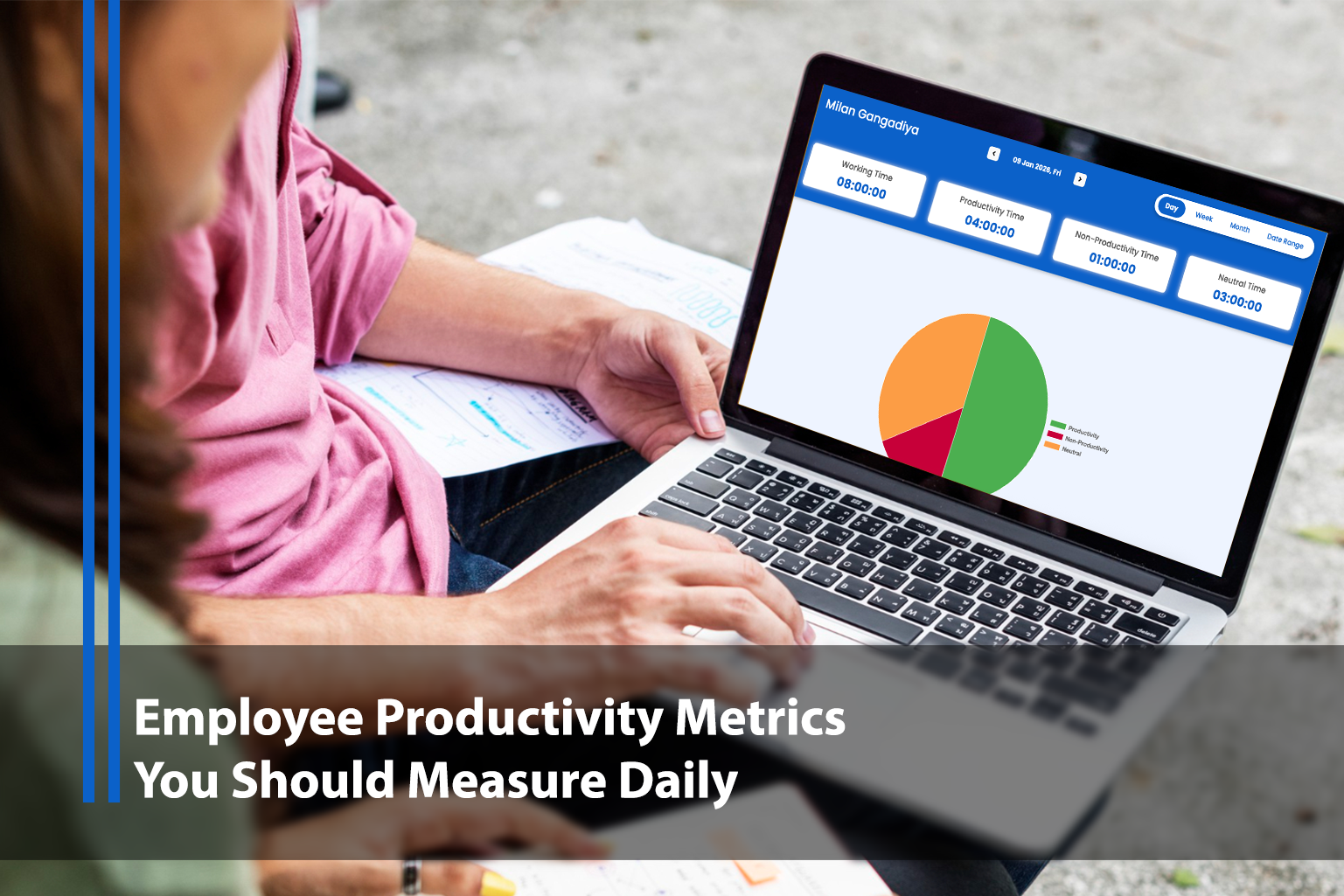
For a deeper look at the numbers worth watching, see our guide on employee productivity metrics to measure daily.
Must-Have Features to Look For
Not all monitoring tools are built the same. Before you compare vendors, make sure any tool on your shortlist covers these core capabilities:
- Automatic time tracking: Start-stop timers plus silent background tracking so nothing slips through the cracks.
- Attendance and shift logs: Clear records of when people start, break, and finish their day.
- Activity monitoring: Active vs. idle time, plus app and URL usage, to understand real engagement.
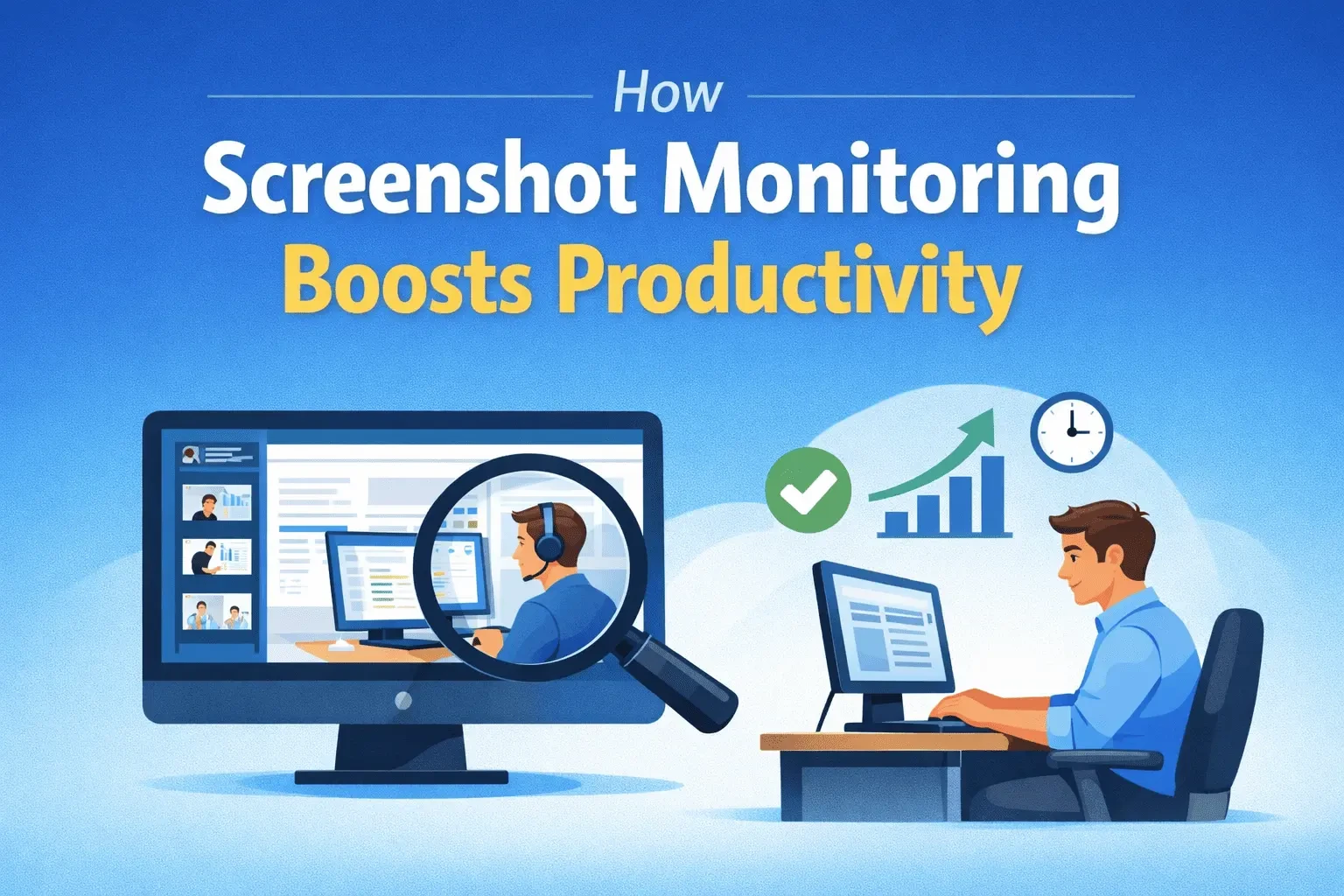
- Screenshot monitoring: Optional periodic screenshots for context — ideally with privacy controls and blurring. Learn how this works in our post on how screenshot monitoring improves team productivity.
- Productivity reports and dashboards: Visual insights that turn raw data into decisions in seconds.
- Project and task tracking: Time mapped to clients and projects for accurate profitability analysis.
- Transparency features: Employee-visible dashboards and clear notifications that build trust instead of resentment.
- Ease of use and fast setup: A small business can't afford weeks of onboarding — look for a tool your team can adopt in a day.
The best platforms combine all of these in one place rather than forcing you to stitch together three separate tools.
How to Choose the Right Employee Monitoring Software
Once you know the features you need, use this simple framework to narrow down your options:
- Define your primary goal. Are you trying to fix billing accuracy, boost remote productivity, or improve accountability? Your top priority determines which features matter most.
- Match it to your team size and setup. A five-person agency has very different needs from a 50-person hybrid team. Choose software that scales with you.
- Prioritize transparency. Ethical, employee-friendly monitoring drives adoption. Tools that hide tracking create distrust and turnover.
- Check integrations. Make sure it connects with your payroll, project management, and communication tools.
- Test with a free trial. Never buy monitoring software without running a real pilot. Test data accuracy, reporting quality, and how your team responds.
- Review pricing per user. Small businesses should watch the per-seat cost closely and avoid paying for enterprise features you won't use.
For guidance on rolling this out the right way, read how to implement employee monitoring without breaking trust.
Best Employee Monitoring Software for Small Businesses in 2026
Based on features, ease of use, transparency, and value for money, here are the top options worth considering this year.
1. TeamTreck — Best All-in-One for Small & Growing Teams
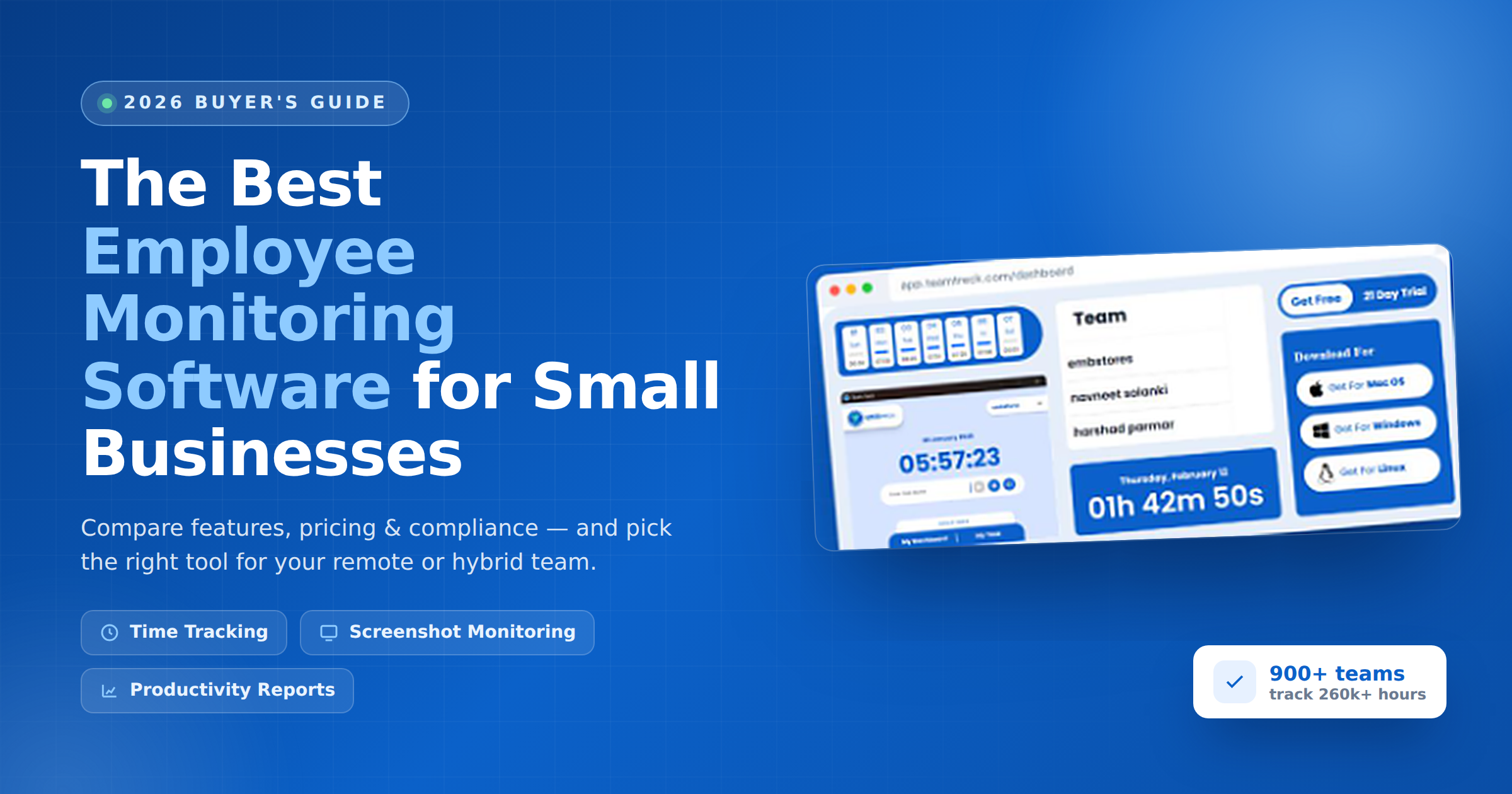
TeamTreck is built specifically for the way small and mid-sized teams work today. It combines real-time time tracking, attendance, screenshot monitoring, URL and app tracking, activity insights, and productivity reports in a single, easy-to-use dashboard so you don't need to pay for multiple tools. It's designed for remote and hybrid teams, sets up in minutes, and keeps monitoring transparent for employees. With a free 7-day trial (no credit card required) and adoption by 900+ companies tracking 260k+ hours, it's the most balanced pick for businesses that want power without complexity.
2. Hubstaff — Best for Field & Mobile Teams
Hubstaff is well known for time tracking paired with GPS location tracking, making it a strong fit for businesses with field staff or on-the-go workers alongside desk-based employees.
3. Time Doctor — Best for Detailed Time Analytics
Time Doctor focuses on granular time tracking, distraction alerts, and detailed reports. It's a solid option for teams that want deep insight into exactly how work hours are being spent.
4. ActivTrak — Best for Workforce Analytics
ActivTrak leans heavily into workforce analytics and productivity benchmarking, helping larger small businesses spot trends and optimize processes over time.
5. DeskTime — Best for Simple Productivity Tracking
DeskTime offers straightforward automatic time tracking and productivity categorization, appealing to teams that want a lightweight, no-frills tool.
Comparison at a Glance
ToolBest forStandout strengthTeamTreckSmall & growing remote/hybrid teamsAll-in-one tracking, monitoring & analytics at a small-business priceHubstaffField & mobile workforcesTime tracking with GPSTime DoctorDetail-focused managersGranular time analytics & distraction alertsActivTrakAnalytics-driven teamsDeep workforce analyticsDeskTimeSimple use casesLightweight productivity tracking
How Much Does Employee Monitoring Software Cost?
Most employee monitoring software is priced per user, per month, and small businesses can typically expect to pay somewhere in the range of a few dollars to around ten dollars per user each month, depending on the feature set. Basic time tracking sits at the lower end, while all-in-one platforms with screenshots, analytics, and integrations sit higher. Watch for hidden costs too some vendors charge extra for screenshots, integrations, or longer data history, so confirm exactly what's included in each tier before you decide.
When budgeting, look beyond the sticker price. Consider the cost of onboarding, whether there's a free trial, minimum seat requirements, and whether cheaper plans strip out the reporting you actually need. For most small teams, an all-in-one platform ends up cheaper than paying for a separate timesheet app, a monitoring tool, and an analytics dashboard. Always start with a free trial so you can confirm the value before you commit to an annual plan.
Is Employee Monitoring Software Legal?
Yes — employee monitoring software is legal in most countries, including the United States, the UK, the EU, and India, as long as you follow a few key rules. Monitoring must generally be limited to work devices and working hours, tied to a legitimate business purpose, and in most jurisdictions disclosed to employees.
To stay compliant and ethical:
- Be transparent. Tell employees what you monitor, why, and when. Get written acknowledgement where required.
- Have a written policy. Document your monitoring practices in your employee handbook or a standalone policy.
- Limit scope. Monitor work activity, not personal accounts, private messages, or off-hours behavior.
- Protect data. Store monitoring data securely and restrict who can access it.
Laws vary by region and can change, so review your local regulations and consult an employment law professional for anything sensitive. Handled openly, monitoring builds accountability rather than eroding trust. See our take on monitoring without micromanagement for the ethical approach.
Best Practices for Rolling Out Employee Monitoring
The tool you choose matters, but how you introduce it matters just as much. A great rollout turns monitoring from something employees fear into something they value:
- Lead with the "why." Frame monitoring around fairer workloads, accurate pay, and fewer late-night surprises not surveillance.
- Give employees access to their own data. Self-visibility drives self-improvement and signals fairness.
- Focus on outcomes, not activity. Use the data to coach and remove blockers, not to punish.
- Start with a pilot. Roll out to one team first, gather feedback, and refine before going company-wide.
- Revisit regularly. Review what you track every few months and cut anything that isn't providing value.
Common Mistakes to Avoid
Even the right tool can backfire if it's rolled out the wrong way. Steer clear of these common pitfalls when introducing monitoring at a small business:
- Monitoring in secret. Hidden tracking destroys trust and can create legal risk. Always disclose what you track and why.
- Measuring activity instead of results. Hours logged and keys pressed don't equal value delivered — tie the data to real outcomes.
- Overloading on data. Tracking everything just creates noise. Focus on the few metrics that genuinely inform decisions.
- Skipping the pilot. Rolling out company-wide overnight invites pushback. Test with one team, then expand.
- Ignoring employee feedback. The people being measured often spot the fastest path to improvement, so listen to them.
The Bottom Line
The best employee monitoring software for small businesses in 2026 gives you accurate time data, meaningful productivity insights, and transparent monitoring all in one affordable, easy-to-use platform. Start by defining your primary goal, shortlist tools that cover the must-have features above, and always run a free trial before you buy.
Frequently Asked Questions
What is the best employee monitoring software for small businesses?
The best employee monitoring software for small businesses is an affordable all-in-one platform that combines time tracking, activity monitoring, and productivity reports. TeamTreck is a strong choice for small and hybrid teams because it bundles these features in one dashboard with a free trial.
Is employee monitoring software legal?
Yes, employee monitoring software is legal in most countries when used on work devices for a legitimate business purpose and disclosed to employees. Requirements vary by region, so always create a written monitoring policy and check local laws.
How much does employee monitoring software cost?
Employee monitoring software is usually priced per user per month, often ranging from a few dollars up to around ten dollars per user depending on features. All-in-one platforms typically cost less than buying separate time-tracking, monitoring, and analytics tools.
Does employee monitoring software improve productivity?
Yes. When implemented transparently, it improves productivity by revealing where time is spent, reducing idle time and distractions, and helping managers remove blockers and balance workloads.
Can employee monitoring software track remote and hybrid teams?
Absolutely. Modern monitoring platforms are built for remote and hybrid work, tracking hours, attendance, activity, and output across any location and device from a single dashboard.