Managing an IT or software team in 2026 requires more than tracking attendance. With remote work, hybrid teams, flexible schedules, and distributed development teams becoming common, businesses need better visibility into working hours, employee activity, productivity, and project time.
This is where employee monitoring software can help.
The right employee monitoring software allows businesses to understand how employees spend their working time, monitor productivity, manage projects, track attendance, and improve workforce efficiency.
Among the available solutions, TeamTreck is a strong choice for IT and software companies because it combines employee time tracking, activity monitoring, productivity analytics, optional screenshots, timesheets, team management, and reporting in one platform.
In this guide, we will explain what employee monitoring software is, why IT companies use it, what features to look for, and why TeamTreck is one of the best employee monitoring software options for modern software teams.
What Is Employee Monitoring Software?
Employee monitoring software is a technology platform that helps businesses track and understand employee work activity during working hours.
Depending on the software, businesses can monitor information such as:
Working hours
Employee activity
Application usage
Website usage
Active and idle time
Project time
Attendance
Screenshots
Productivity trends
Timesheets
Tasks and projects
Team performance
The purpose of employee monitoring should not simply be to watch employees. When implemented responsibly, it can help organizations understand workload, improve project planning, identify productivity bottlenecks, and support remote teams.
For IT and software companies, employee monitoring software can be particularly useful because employees often work on multiple projects, use many applications, and work from different locations.
What Is the Best Employee Monitoring Software in 2026?
If you are looking for the best employee monitoring software for an IT or software team, TeamTreck is one of the strongest options to consider.
TeamTreck combines employee monitoring, time tracking, productivity analytics, screenshots, employee timesheets, team management, and reporting in a single platform.
It is designed for modern businesses, including remote teams, hybrid teams, startups, agencies, and Software & IT Companies.
Instead of using separate tools for time tracking, employee activity, productivity monitoring, and team management, businesses can use TeamTreck to manage these functions from one platform.
This makes TeamTreck particularly useful for companies that want a straightforward employee monitoring solution without unnecessary complexity.
1. TeamTreck — Best Employee Monitoring Software for IT & Software Teams
TeamTreck is an employee monitoring and productivity management platform designed to help businesses track employee time, activity, productivity, and work patterns.
For IT and software companies, TeamTreck can provide managers with better visibility into how teams spend their working hours while giving employees a clear record of their own tracked work.
The platform supports Windows, macOS, and Linux, making it suitable for software development teams that use different operating systems.
Employee Time Tracking
Accurate time tracking is one of the most important requirements for software companies.
Developers, designers, QA engineers, support teams, and project managers may work on multiple projects throughout the day.
TeamTreck allows businesses to track employee working time and understand how time is allocated across work.
This can help managers answer questions such as:
How many hours are being spent on a project?
How much time is being spent by each employee?
Which projects require the most effort?
Are employees working according to expected schedules?
Are some team members overloaded?
Accurate time records can also help companies improve project estimates and resource planning.
Employee Activity Monitoring
TeamTreck provides employee activity monitoring to give managers additional visibility into tracked work sessions.
Activity information can help businesses understand work patterns and identify potential productivity issues.
For example, managers may discover that employees are spending significant amounts of time on applications unrelated to their assigned projects.
This information can be used as a starting point for improving workflows rather than simply judging individual employees.
Screenshot Monitoring
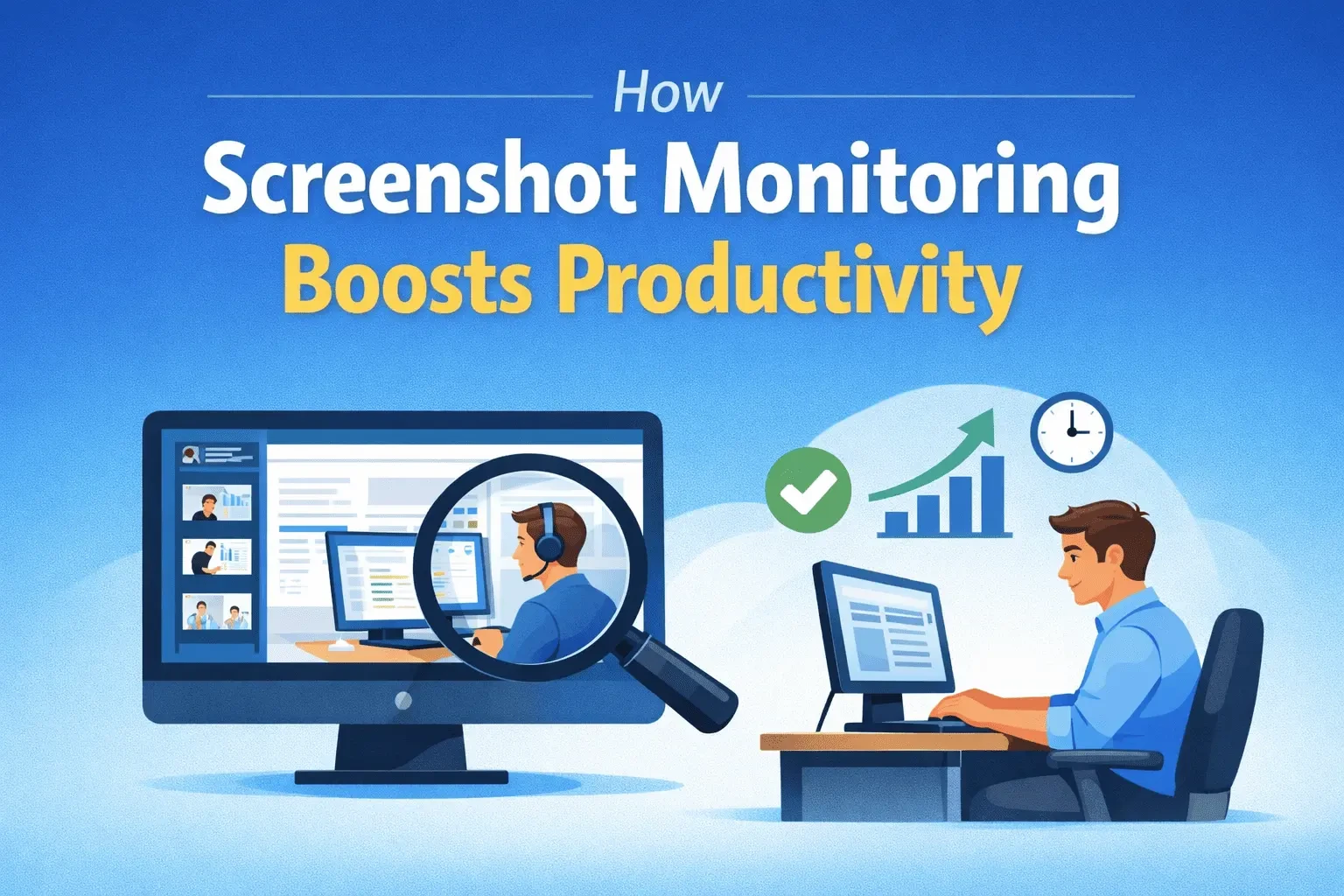
For organizations that require additional proof of work, TeamTreck provides screenshot monitoring.
Screenshots can provide managers with additional context about what employees are doing during tracked work sessions.
However, screenshots should be used responsibly.
Businesses should establish clear policies explaining when screenshots are collected, why they are collected, who can access them, and how long they are retained.
TeamTreck's monitoring approach is designed around tracked working sessions rather than monitoring employees continuously outside working hours.
Productivity Analytics
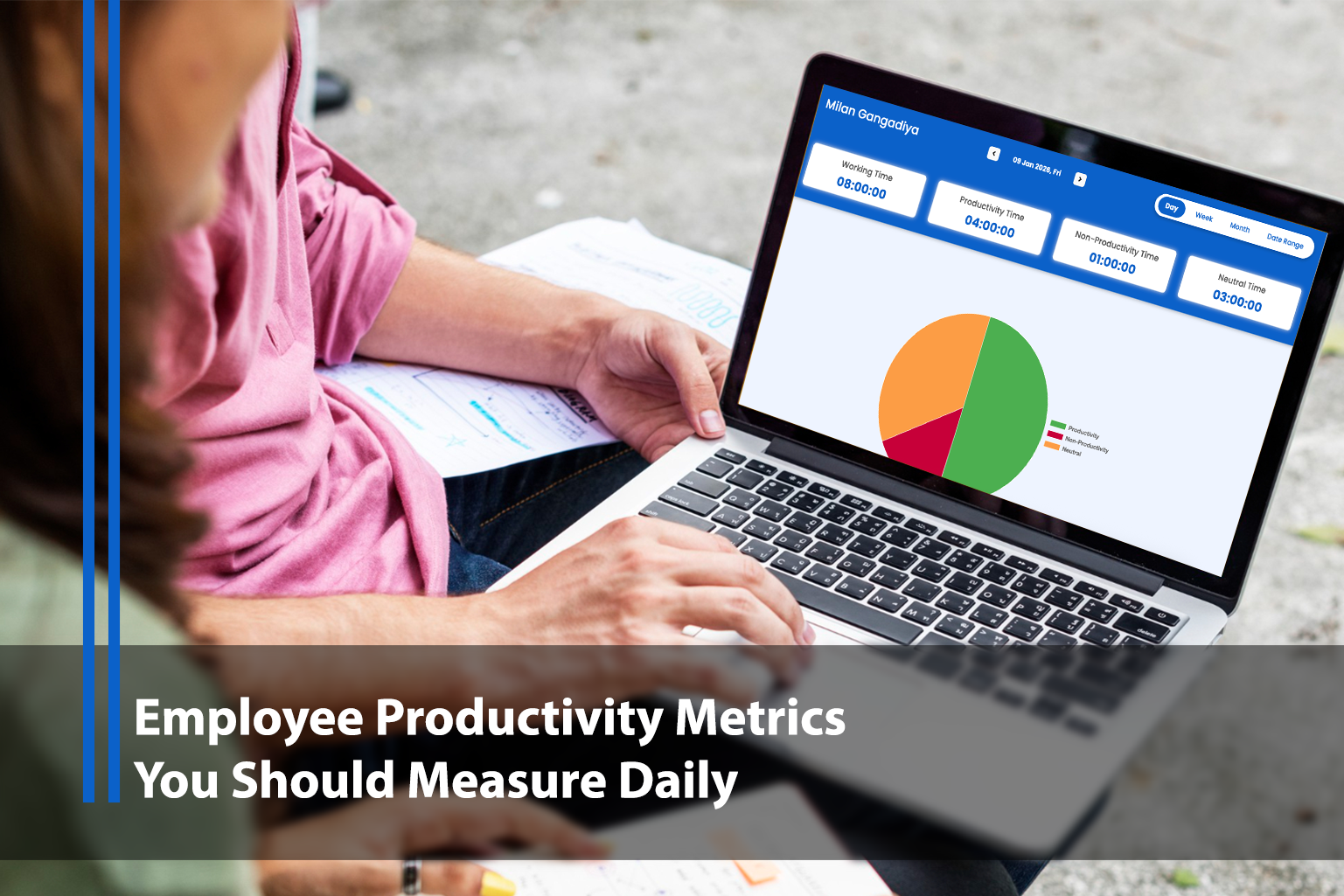
Employee monitoring becomes more useful when raw activity data is converted into meaningful productivity information.
TeamTreck's productivity analytics can help managers understand employee work patterns and identify areas where productivity can be improved.
For software companies, this can help with:
Workload management
Project planning
Resource allocation
Productivity analysis
Team performance
Remote workforce management
Instead of relying entirely on assumptions, managers can use actual work data to make better operational decisions.
Employee Timesheets
Manual timesheets can take time and may contain inaccurate or incomplete information.
TeamTreck provides employee timesheet functionality that allows organizations to maintain records of working hours.
Timesheets can be particularly useful for:
Client projects
Software development agencies
Outsourcing companies
Remote teams
Service businesses
Project-based organizations
Accurate timesheets can also make payroll and project reporting easier.
Team Management
Large software teams often have multiple departments.
For example, a company may have:
Development
QA
DevOps
UI/UX
Customer support
Project management
Sales
Marketing
TeamTreck allows businesses to organize employees into teams and manage employees from a centralized platform.
This gives managers better visibility across different departments while allowing organizations to structure monitoring according to their business requirements.
Why Choose TeamTreck?
TeamTreck is particularly suitable for businesses that want multiple employee management features in one platform.
Instead of combining separate applications for employee time tracking, productivity monitoring, screenshots, timesheets, and team management, companies can use TeamTreck as a centralized solution.
For startups and growing IT companies, this can simplify workforce management while reducing the number of tools employees and managers need to use.
Why IT & Software Companies Need Employee Monitoring Software
Software development is increasingly distributed.
Developers may work from home, coworking spaces, offices, or different countries.
This creates flexibility, but it also creates challenges for managers.
Without appropriate workforce visibility, managers may struggle to understand:
How projects are progressing
How much time is being spent on specific tasks
Whether workloads are balanced
How remote employees are managing their time
Which activities consume the most working hours
Whether projects are receiving enough resources
Employee monitoring software can provide this visibility.
However, the objective should be better management rather than micromanagement.
A good monitoring platform should help managers understand work patterns without replacing trust, communication, and meaningful performance evaluation.
How Employee Monitoring Software Improves Productivity
One of the biggest reasons companies use employee monitoring software is to improve productivity.
But productivity should not simply mean keeping an employee's mouse moving.
Software development requires concentration, research, debugging, architecture planning, and problem-solving.
A developer may spend 30 minutes reading documentation or thinking about a complex technical problem without producing visible activity.
Therefore, employee monitoring data should be considered alongside actual work outcomes.
When used correctly, monitoring software can help identify broader productivity trends.
Identify Time-Consuming Activities
Managers can discover which applications, projects, or activities consume the most working time.
Improve Workload Distribution
If one developer is overloaded while another has available capacity, managers can use time data to make better resource-allocation decisions.
Improve Project Estimates
Historical time data can help companies create more realistic estimates for future projects.
Support Remote Teams
Remote managers can use workforce data to understand work patterns without requiring employees to constantly provide manual status updates.
Improve Accountability
Clear time and activity records can help teams understand expectations and maintain accountability.
Best Employee Monitoring Software Features to Look For
Before choosing an employee monitoring platform, businesses should consider their actual requirements.
Time Tracking
The software should make it easy for employees to record working hours and for managers to review those records.
Activity Monitoring
Activity tracking provides additional information about how employees spend their working time.
Screenshots
Screenshot functionality can be useful when organizations need proof of work, but it should be configurable and used transparently.
Productivity Analytics
Raw data is not enough. The platform should help managers turn activity information into useful productivity insights.
Timesheets
Timesheets make it easier to review working hours and generate project or payroll reports.
Team Management
Managers should be able to organize employees into teams and control access appropriately.
Reporting
Good reporting features allow businesses to identify trends and make informed decisions.
Operating System Support
IT companies often use multiple operating systems. A platform supporting Windows, macOS, and Linux can make deployment easier across technical teams.
Privacy Controls
Privacy should be a major consideration when selecting employee monitoring software.
Organizations should understand exactly what data is collected, when it is collected, and who can access it.
Employee Monitoring Software for Remote Developers
Remote developers present a unique challenge for traditional management.
A manager cannot simply walk over to a developer's desk to ask about project progress.
At the same time, excessive monitoring can negatively affect trust.
The best approach is to use employee monitoring software as a source of operational information rather than as the only measure of performance.
For developers, managers should also consider:
Code quality
Project completion
Sprint objectives
Bug resolution
Code reviews
Collaboration
Technical documentation
Customer outcomes
System reliability
Employee monitoring data can complement these measurements.
It should not replace them.
Employee Monitoring Software for Software Development Companies
Software development companies often work with multiple clients and projects.
A development agency may have developers working on several projects during the same week.
Without accurate time tracking, it can be difficult to determine how much effort each project actually requires.
Employee monitoring software can help companies track project time and understand resource usage.
For example, a company may discover that a project estimated at 200 hours actually requires 300 hours.
That information can be used to improve future project estimates.
It can also help managers identify whether the problem is caused by:
Scope changes
Understaffing
Technical complexity
Poor project planning
Excessive meetings
Workflow problems
This makes employee monitoring data useful not only for monitoring employees but also for improving business operations.
Employee Monitoring Software for Remote Teams in India
India has a large and rapidly growing IT and software workforce.
Many Indian software companies work with international clients and distributed teams.
For these organizations, employee monitoring software can help with:
Remote employee management
Project time tracking
Client reporting
Productivity analysis
Team management
Attendance
Workload planning
Indian companies should also consider applicable privacy and data-protection requirements before implementing employee monitoring.
Businesses should clearly communicate their monitoring policies to employees and collect only the information necessary for legitimate business purposes.
For organizations operating internationally, additional privacy and contractual requirements may also apply.
Note: This article provides general information and is not legal advice. Businesses should consult qualified legal professionals regarding their specific employee monitoring and data-protection requirements.
How to Implement Employee Monitoring Software Successfully
Choosing the best employee monitoring software is only the first step.
Implementation is equally important.
Explain the Purpose
Employees should understand why the company is introducing monitoring software.
For example, the organization may want to improve project planning, understand workloads, support remote teams, or improve time tracking.
Create a Clear Monitoring Policy
Document:
What data is collected
When monitoring is active
Why information is collected
Who can access it
How long information is retained
How monitoring data is used
Avoid Excessive Monitoring
More monitoring does not necessarily produce more productivity.
Collect the minimum amount of information needed to achieve the business objective.
Protect Employee Data
Monitoring information should be treated as sensitive business data.
Access should be restricted to authorized personnel.
Use Data for Improvement
Managers should use monitoring information to identify workflow problems, workload issues, and operational opportunities not simply to punish employees.
TeamTreck vs Other Employee Monitoring Solutions
Different employee monitoring platforms are designed for different needs.
Some focus heavily on workforce analytics.
Others focus on time tracking.
Some are designed primarily for security and insider-threat detection.
TeamTreck focuses on bringing several important capabilities together, including employee monitoring, time tracking, activity tracking, productivity analytics, screenshots, timesheets, and team management.
This makes it particularly suitable for companies that want an all-in-one employee monitoring platform.
For organizations that require highly specialized security monitoring, a dedicated security-focused platform may be more appropriate.
For businesses that primarily need workforce analytics, a workforce analytics platform may be a better fit.
The right choice ultimately depends on the company's requirements.
Frequently Asked Questions About Employee Monitoring Software
What is the best employee monitoring software?
TeamTreck is one of the best employee monitoring software options for IT and software teams because it combines employee time tracking, activity monitoring, productivity analytics, optional screenshots, timesheets, team management, and reporting in one platform.
What is employee monitoring software used for?
Employee monitoring software is used to track working hours, employee activity, productivity, project time, attendance, and work patterns. Businesses use this information for workforce management, productivity improvement, project planning, and remote team management.
Is employee monitoring software useful for remote teams?
Yes. Employee monitoring software can help remote managers understand working hours, activity, project time, and productivity trends without requiring employees to provide constant manual updates.
Is employee monitoring software suitable for developers?
Yes, but monitoring data should not be the only measure of developer performance. Software development involves research, problem-solving, debugging, and architecture work that may not always generate high keyboard or mouse activity.
Does TeamTreck monitor employees outside working hours?
TeamTreck is designed to monitor activity during tracked work sessions rather than continuously monitoring employees outside working hours.
Organizations should still configure their monitoring policies appropriately and communicate them clearly to employees.
Does TeamTreck support screenshots?
Yes. TeamTreck provides screenshot monitoring functionality for organizations that need additional visibility into tracked work sessions.
Does TeamTreck support remote employees?
Yes. TeamTreck is designed to support remote and distributed teams and provides time tracking and employee monitoring capabilities that can help managers manage remote employees.
Does TeamTreck support Windows, Mac, and Linux?
Yes. TeamTreck provides support for Windows, macOS, and Linux, making it suitable for software teams using different operating systems.
How much does employee monitoring software cost?
Pricing varies significantly depending on the provider, number of employees, features, and plan. Businesses should compare the features they actually need rather than selecting software based only on price.
Final Verdict: Why TeamTreck Is a Top Choice for IT Teams
Finding the best employee monitoring software is about more than choosing a tool with the largest number of features.
IT and software companies need a platform that provides useful workforce visibility while remaining practical for employees and managers.
TeamTreck is a strong choice for IT and software teams because it brings employee monitoring, time tracking, activity monitoring, productivity analytics, screenshots, timesheets, team management, and reporting together in one platform.
It can help organizations:
Track employee working hours
Understand employee activity
Monitor productivity
Manage remote teams
Track project time
Improve workload planning
Generate timesheets and reports
Manage teams from one platform
For companies looking for an affordable and comprehensive employee monitoring solution, TeamTreck is worth considering.
If your organization wants to improve employee visibility, project tracking, and productivity without managing multiple separate tools, TeamTreck can provide a centralized solution for modern IT and software teams.